An email verification page automatically opens on a new browser tab after you receive the OTP email.
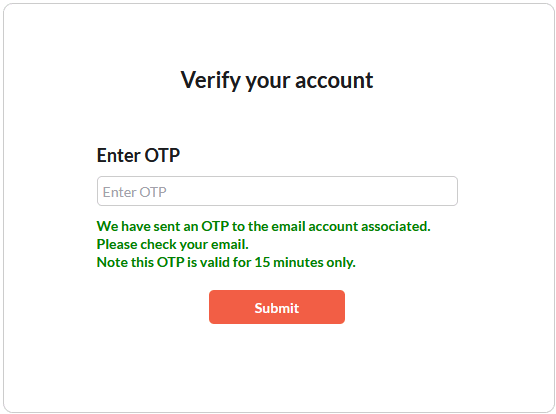
- Validate Email: Enter the code received via email or SMS into the verification page to complete the validation process.
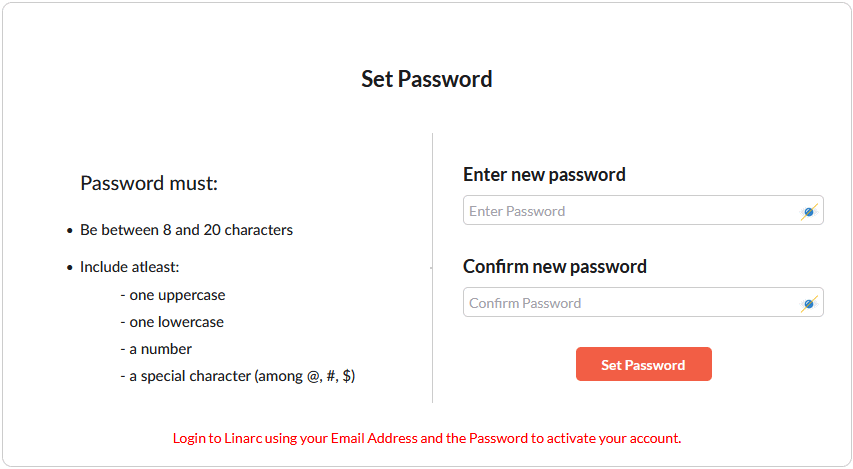
- Account Setup: Once validated, you will be prompted to create your password and finalize your account set up.
Access Credentials: You will also receive a separate email containing your unique username.
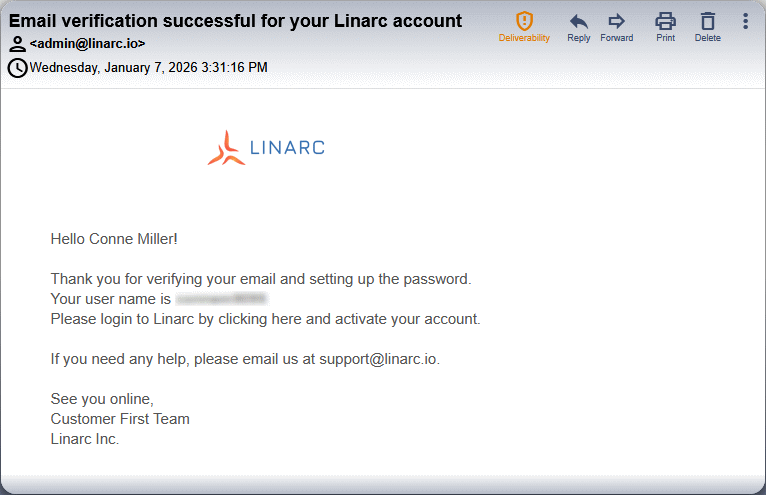
- Login: You can now access Linarc using either your username or email address along with your new password.
Was this article helpful?
That’s Great!
Thank you for your feedback
Sorry! We couldn't be helpful
Thank you for your feedback
Feedback sent
We appreciate your effort and will try to fix the article