Your invitation email includes a "Request OTP" link. Once clicked, your one-time password will be sent simultaneously to:
- Your registered email address
- Your mobile phone via SMS
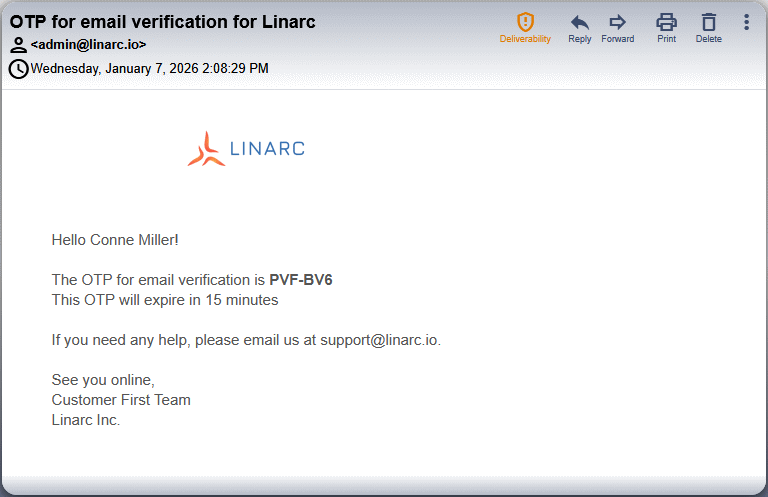
An example email with the OTP is shown below:
Clicking 'Request OTP' in the invitation email also opens a verification page in a new tab.
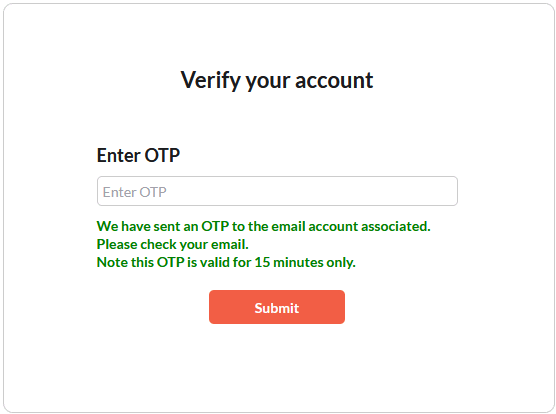
- Enter the OTP to validate your email.
Was this article helpful?
That’s Great!
Thank you for your feedback
Sorry! We couldn't be helpful
Thank you for your feedback
Feedback sent
We appreciate your effort and will try to fix the article