Keep your project feeds organized by updating your album titles when necessary. You can only rename albums you’ve created, titles of albums shared with you cannot be modified.
Renaming an album only updates its display title. The photos and videos inside will remain completely unaffected and accessible across all your feeds.
To rename an existing album
- Ensure that you are in the 'Album' screen of the 'Feeds' module. If not:
- Click the main menu at the top-left
- Click 'Feeds' under 'Field' menu

- Right-click on an Album and select 'Rename' from the options
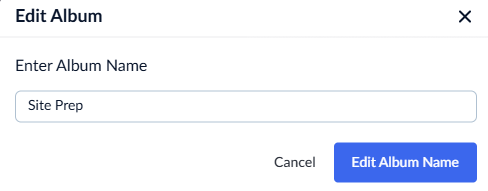
- Enter the new name in the text box and click the 'Edit Album Name' button to save the changes
Was this article helpful?
That’s Great!
Thank you for your feedback
Sorry! We couldn't be helpful
Thank you for your feedback
Feedback sent
We appreciate your effort and will try to fix the article